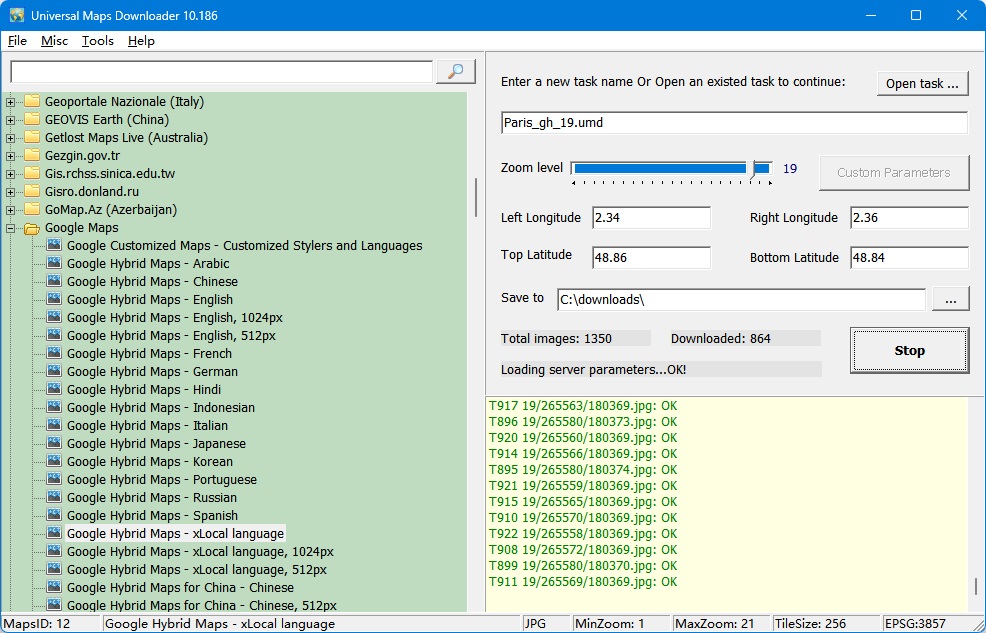
All downloaded small images are saved on the disk. You can view downloaded maps by Maps Viewer Or you can combine them into a BMP/TIFF/JPG/PNG/SIG/IMG/KMZ/RST/PNM/PDF/MBtiles/GPKG/WEBP/SQLITE/MRF/HDF/netCDF file by Maps Combiner, and also you can export all tiles into a MBTiles format database.
It is very easy to use. Click here to see how to use it.
Please click here to see all map types (4000+ types), and click here to see all tiles samples.
Universal Maps Downloader is a tool that help you to get small tile images from online maps:
No map source matches that search.
What's new in the new version? Click here to see update history.
Every screenshot below is taken from the program itself — the downloader, the combiner, the viewer and the export tools. Click any image to open the full-size version.
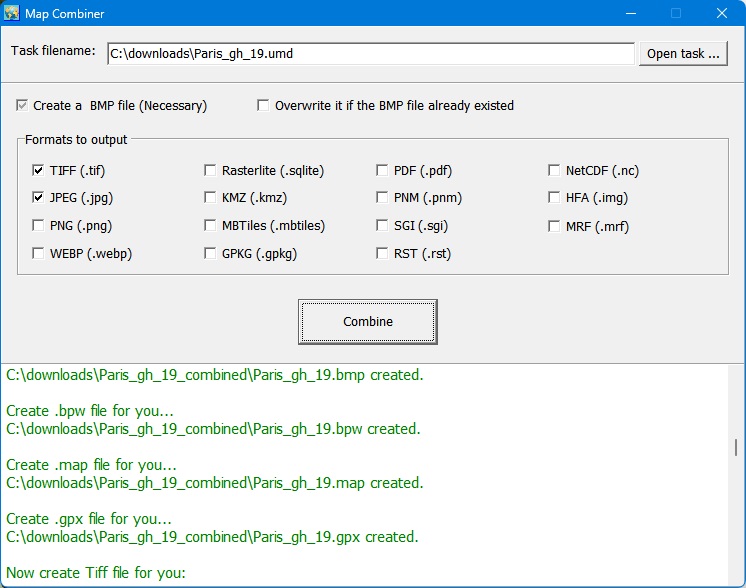
Stitch the downloaded tiles into one big image file, in any of the export formats.
View full size
Put the whole download into a MBTiles database, ready for other GIS software.
View full size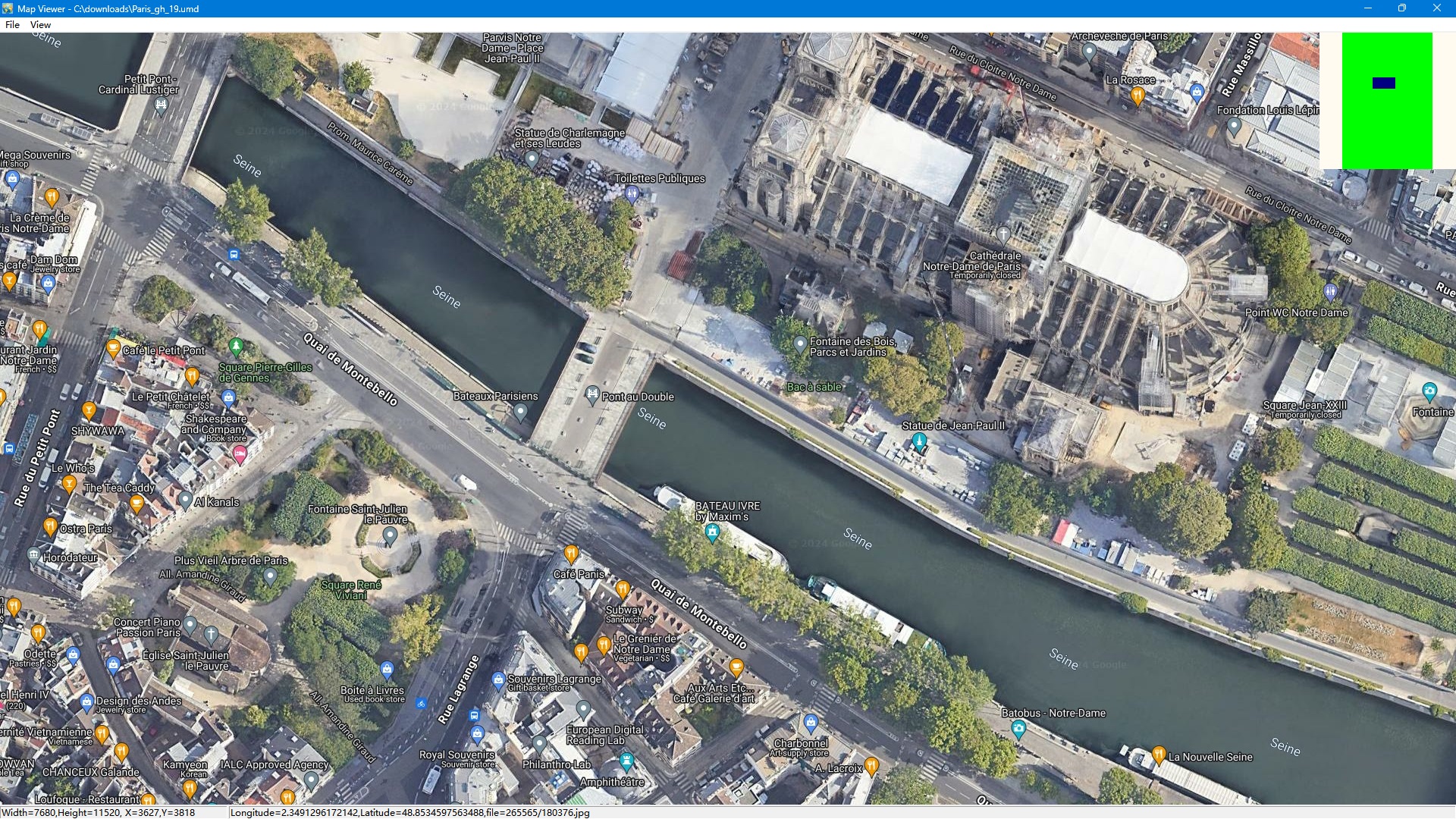
Browse everything you downloaded, offline, and zoom in to check the details.
View full size
Open the combined image straight in QGIS — it lines up with your other layers.
View full size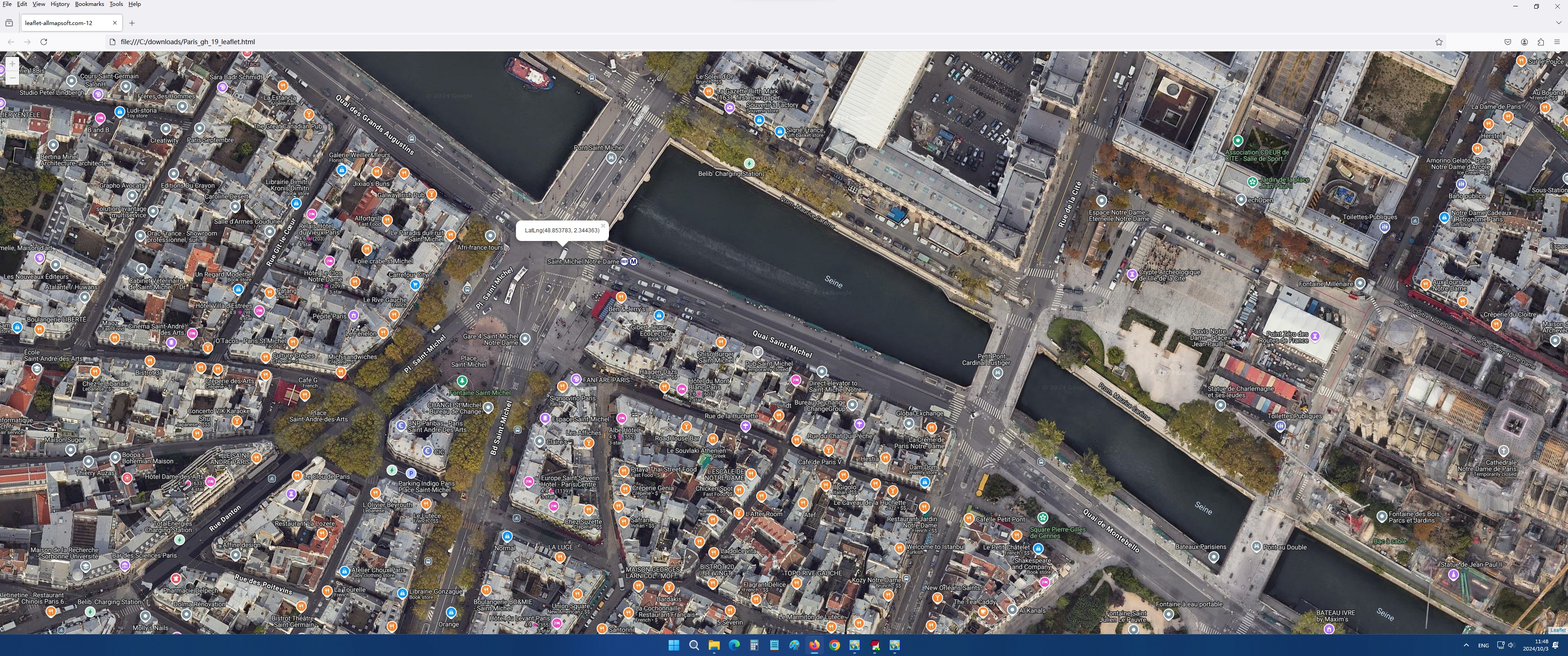
Serve the tiles you downloaded as a web map and open it in any browser — the same page you get from the Map Viewer, without the program.
View full sizeTry the free trial first: download it, point it at any map source in the list above and see the tiles land on your disk before you decide.
Support Email: umd@allmapsoft.com
Questions before you buy? Read the FAQ or check the update history.