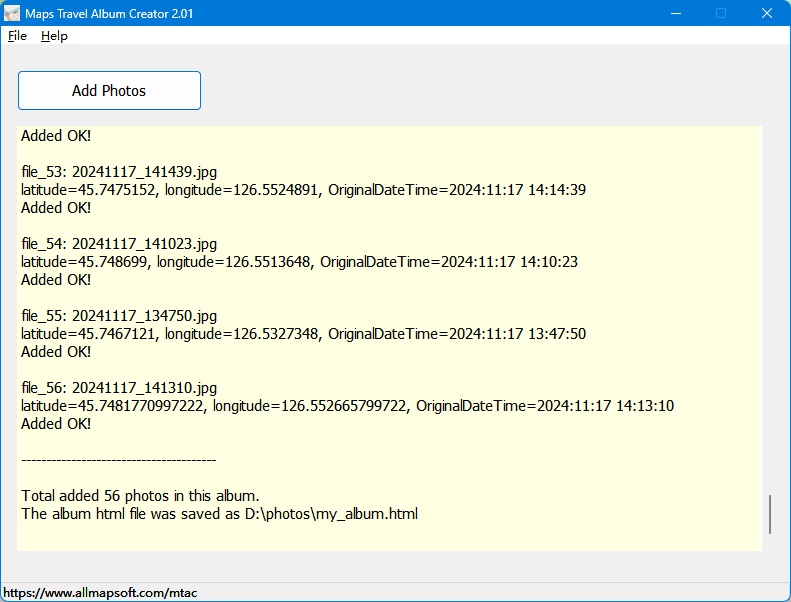
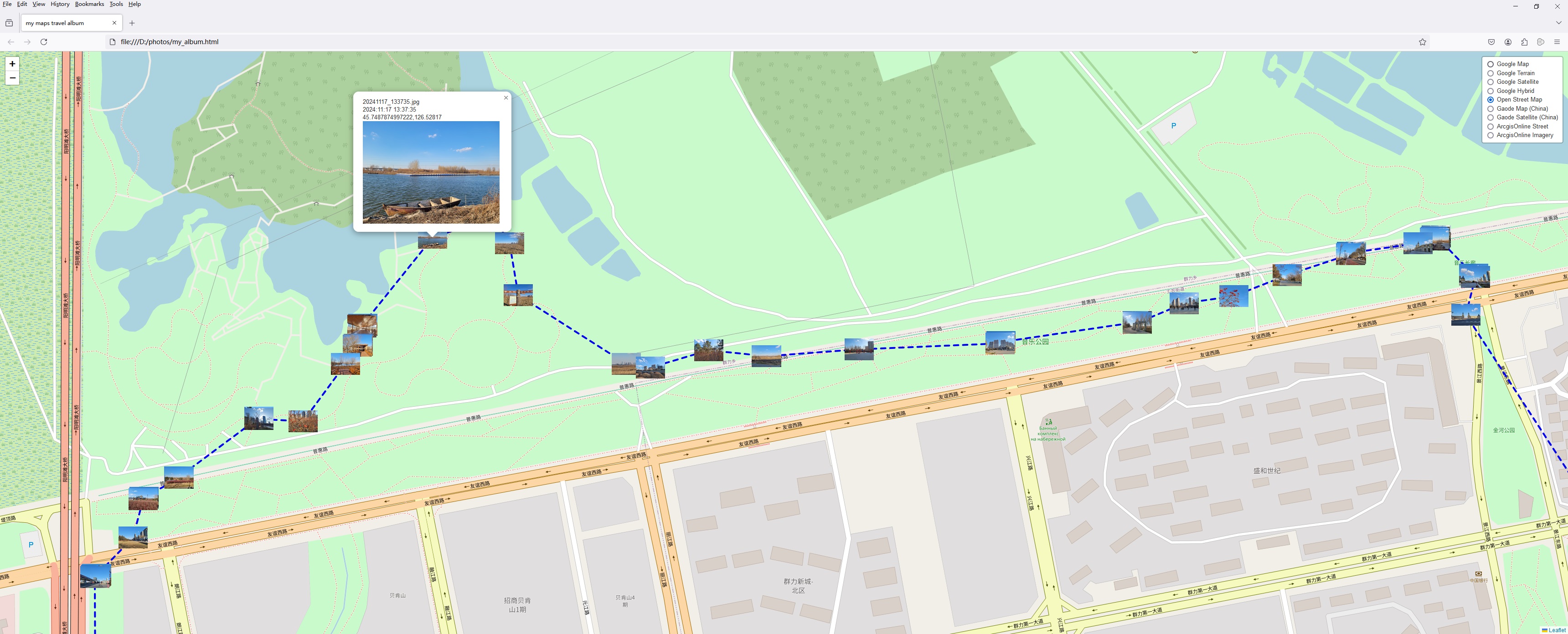
Imagine you’ve traveled in your vacation to a multitude of places, in different countries, even different continents. Tracing an itinerary and assigning different representative photos to each place can be quite challenging to do manually. Nevertheless, this is why Maps Travel Album Creator is here.
This app will do exactly that for you, but automatically. It was designed in order to automatically extract geolocation information from photographs and create an HTML map of the resulting itinerary, as well as the corresponding images.
Working with Maps Travel Album Creator is a breeze, and adding images to it for processing to be quite straightforward.
Having added your preferred images, the app will then parse the EXIF data for gathering the geolocation information and will then be able to generate a subsequent itinerary. This will be readily accessible as a HTML format file, which will be opened automatically in your default Internet browser.
The resulting itinerary, as well as the map are simple, do not feature additional enhancements or settings, but manage to provide a good overview of the resulting route.
It is a good tool for creating itineraries starting out from geotagged images, which yields HMTL format maps.
This app can save you from a lot of trouble if you wish to create a travel itinerary based on photos that have been take in different locations along the way.
Note, the app will only work with images that have geolocation information attached to them. Bear in mind that you will have to set your device to record imagery with geotags, as this is essential for the app to be able to extract the corresponding coordinates and generate their location. |